

Use and care support for your product
2000i Series Air Purifier
Register your product to confirm your warranty, stay informed and get tailored support.



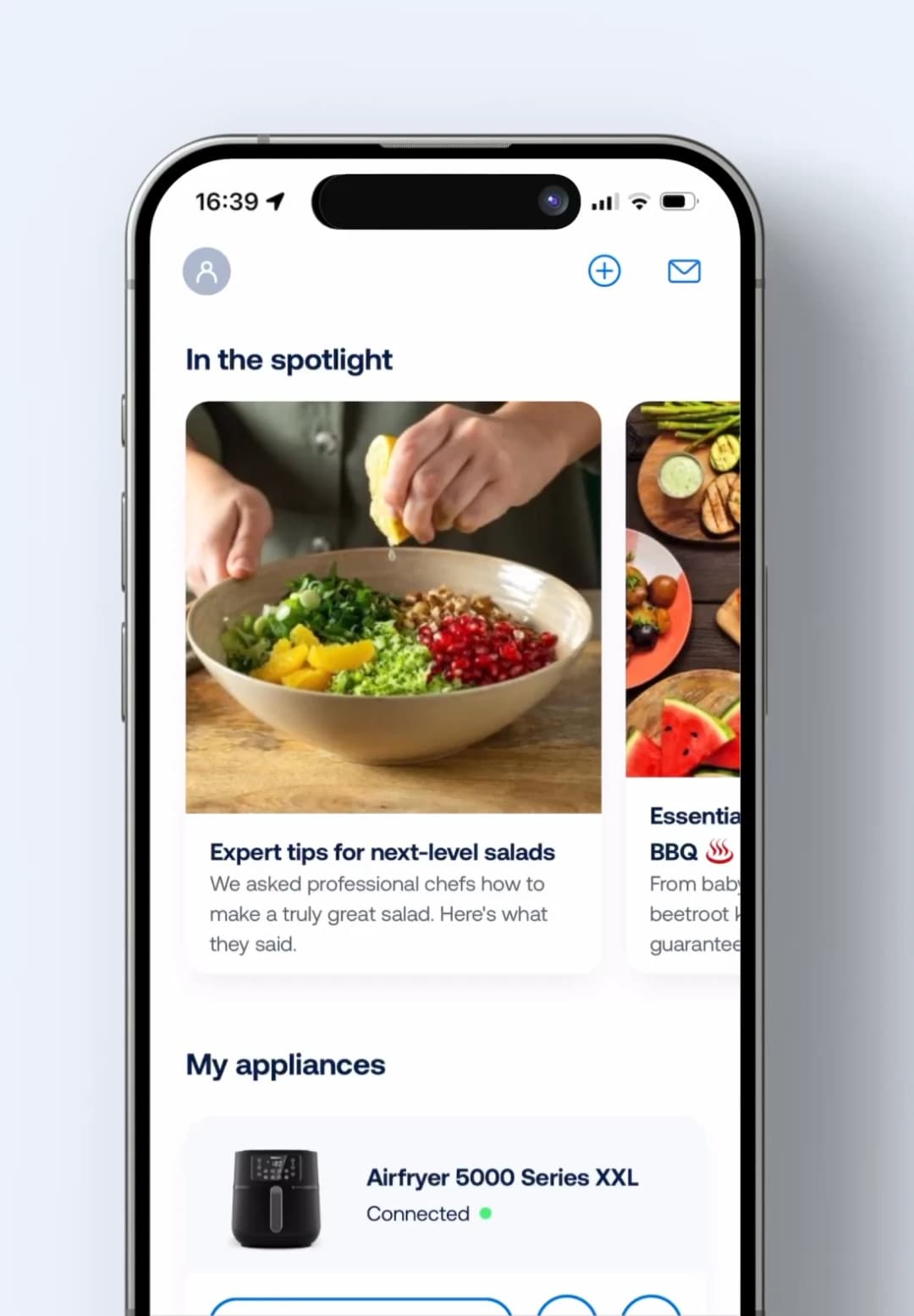
Elevate your kitchen and living room with the HomeID app.
Discover inspiring recipes, get step-by-step guidance and create mouthwatering meals, so you can take life at home to the next level.
Find answers about your product
- What does the PM2.5 indicator in my Philips Air Purifier mean?
- Should I reset my Philips Air Purifier or Humidifier after replacing or cleaning a filter?
- What do my Philips Air Purifier’s lights mean
- Wi-Fi networks compatible with my Connected Philips Air Purifier
- How many Philips Air Care devices can connect to a smartphone?
- Can I switch off the Wi-Fi in my Philips Air Purifier and Air Humidifier?
- What do the indicators or error codes on my Philips Air Purifier mean?
- What filters should I use with my Philips Air Purifier?
- How and when should I clean/replace my Air Purifier’s filters and sensor?
- What is the specification CADR in my Philips Air Purifier?
- How can I download the App for my Philips Air Purifier?
- How many phones can connect to my Philips air purifier?
- Can I clean the filters and pre-filter of my Philips Air Purifier?
Fix a problem
Troubleshooting for your 2000i Series Air Purifier.
- I cannot connect my Philips Air Purifier or Air Performer with the App
- There is a constant or flashing light on my Philips Air Purifier
- My Philips Air Purifier’s air quality ring color does not change
- My Philips Air Purifier’s filter replacement indication stays on
- My Philips Air Purifier makes an unusual noise
- I cannot activate the functions of my Philips Air Purifier
- My Philips Air Purifier’s airflow is weak and the light is not blue
- My Philips Air Purifier does not switch on
- My Philips Air Purifier does not improve the air quality
- My Philips Air Purifier does not remove odors properly
- I can’t connect my Philips Air Purifier after pairing
- My Philips Air Purifier doesn’t connect to Wi-Fi in other rooms
- My Philips Air Purifier is too loud


Additional support topics
Learn about warranty
See the warranty policy, warranty period and warranty conditions for your product.
Warranty policy